KATANA IS THE REBEL AMONG BROWSERS.
No extension juggling. No second browser.
All the tools you actually need, built into one browser.
Your browser should work for you — not advertisers, data brokers, or someone else's business model.

THE WEB BECAME HOSTILE. BROWSERS ADAPTED TO EVERYONE EXCEPT THE USER.
Modern browsing is full of tracking, intrusive advertising, consent walls, distractions, unnecessary UI, hidden telemetry, and features designed around ecosystems instead of people. Katana takes the opposite position.
- 01
STOP BEING THE PRODUCT.
Block trackers, profiling and unnecessary telemetry.
- 02
TAKE BACK THE INTERFACE.
Remove noise, restore useful browser behavior, and make the web feel functional again.
- 03
YOUR SESSIONS. YOUR IDENTITIES.
Separate contexts, accounts and workflows without turning your browser into a mess.
- 04
NO MORE BROWSER BLOAT.
Keep what is useful. Remove what exists only because somebody wants engagement.
- 05
POWER WHEN YOU NEED IT.
Katana can stay simple for daily browsing and become a serious technical workspace when required.
02a / Why I built it
I built Katana because I was tired of fighting my own browser.
I was tired of installing extensions just to bring back basic features — or to make services like YouTube and Reddit usable again. I was tired of running two or three browsers: one for daily work, another for testing and security research. And I was tired of browser policies telling a security researcher what he could or couldn't do with his own tools.
So I found a way to unlock the browser.
Katana is the browser I actually wanted: one window for daily browsing, one for technical work, with the control and isolation that security research needs — and none of the extension circus.
A BROWSER YOU CAN ACTUALLY LIVE IN.
Katana is not a "privacy browser" that makes normal browsing painful. It is built to be your everyday browser first — fast, comfortable and quiet by default.
Trackers and ads are blocked by default, and the fixes you would otherwise install five extensions for — YouTube cleanup, declined cookie banners, Google Maps back in search — are already built in.
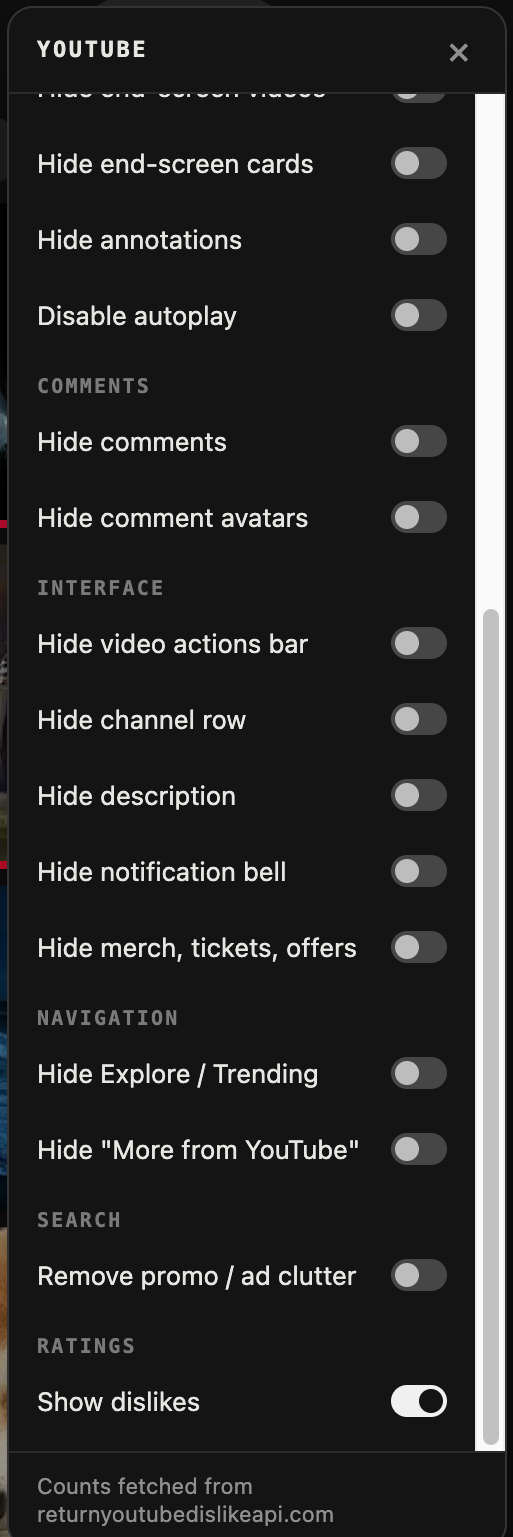
Every toggle is native — no extension store, no third-party script reading your tabs. Flip what you want off, keep the rest.
ONE BROWSER. TWO WORLDS.
Katana can separate normal browsing from offensive and security work.
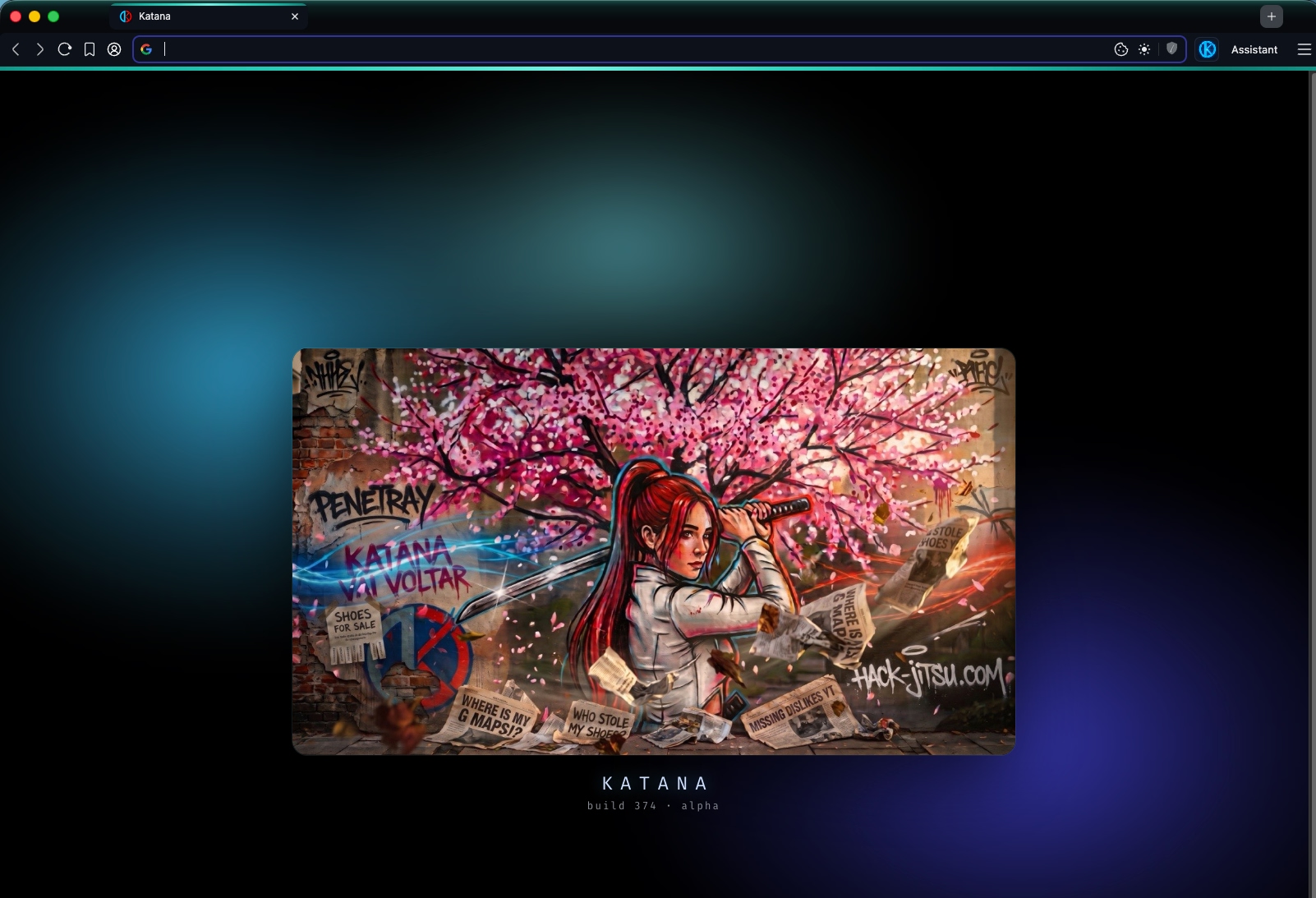
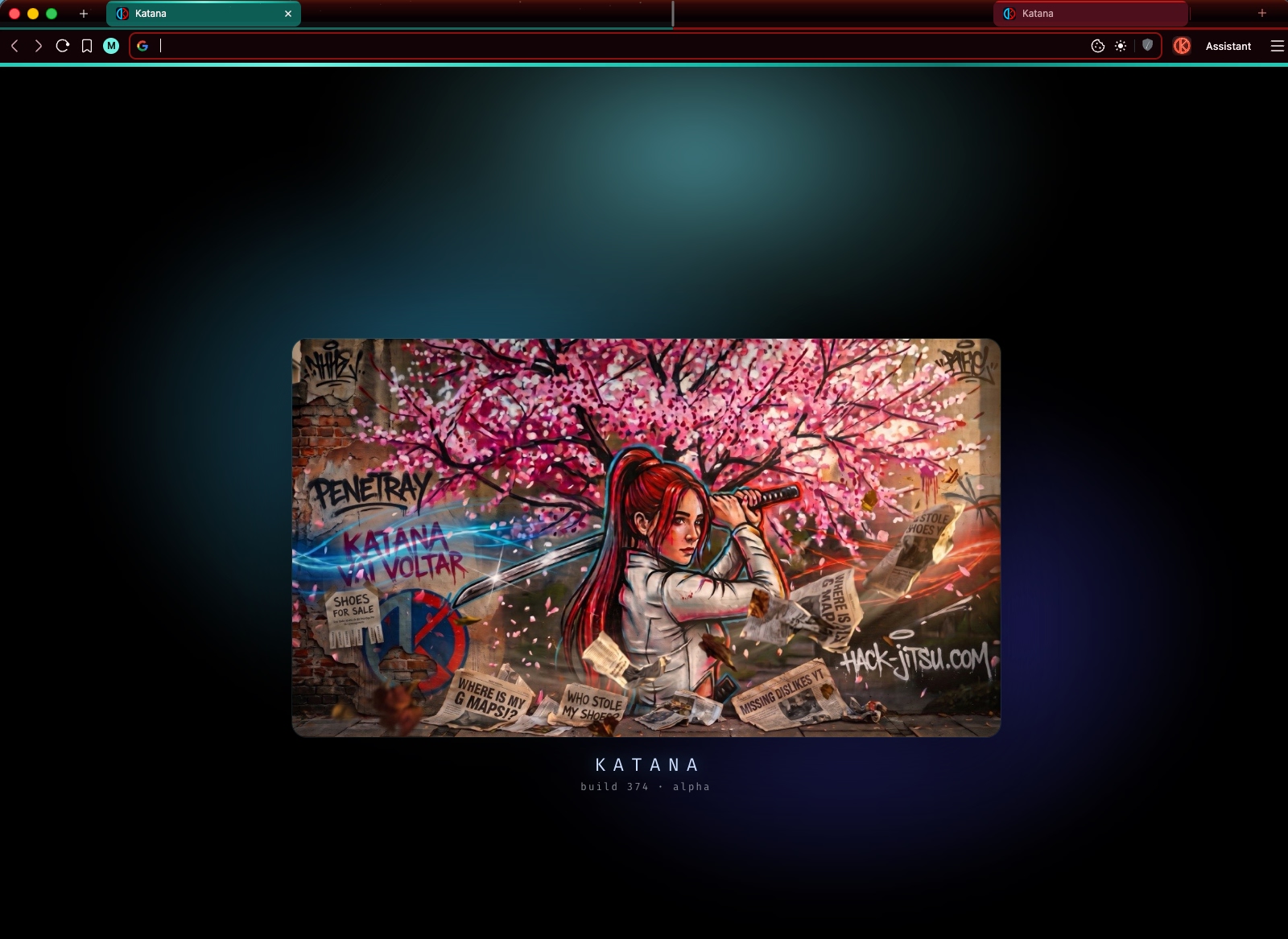
Blue is your everyday window. Red is a clean, isolated technical window that never touches your Daily sessions — and disappears when you close it. What each mode actually gives you is listed below.
WHAT KATANA GIVES YOU.
One foundation. Two modes of operation. Global stays the same, Daily and Offensive split the workflow.
GLOBAL
The shared base every Katana session runs on. Brave core, no telemetry, no account gates, no bloat.
- › Brave / Chromium foundation
- › No telemetry, no account required
- › Tracker and ad blocking
- › Clean, minimal interface
- › Cookie manager
- › Dark mode
DAILY
Everyday browsing without the usual noise, tracking and clutter.
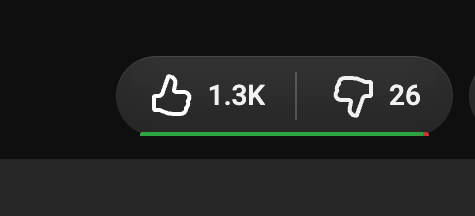
- › YouTube manager — restore the dislike bar
- › YouTube manager — hide Shorts, comments and the rest
- › Account and session switching
- › Reddit without ads
- › Google Maps back in Google Search
- › Cookie banners declined automatically
OFFENSIVE
A controlled environment for security work, testing and technical sessions.
- › Isolated testing contexts
- › Direct, no-fuss proxy routing
- › Certificate management
- › Security / Dev tooling
- › Penetray integration
- › Live request handoff
WHEN A NORMAL BROWSER IS NOT ENOUGH.
Security tooling is the advanced side of a browser that is still meant to be used every day.
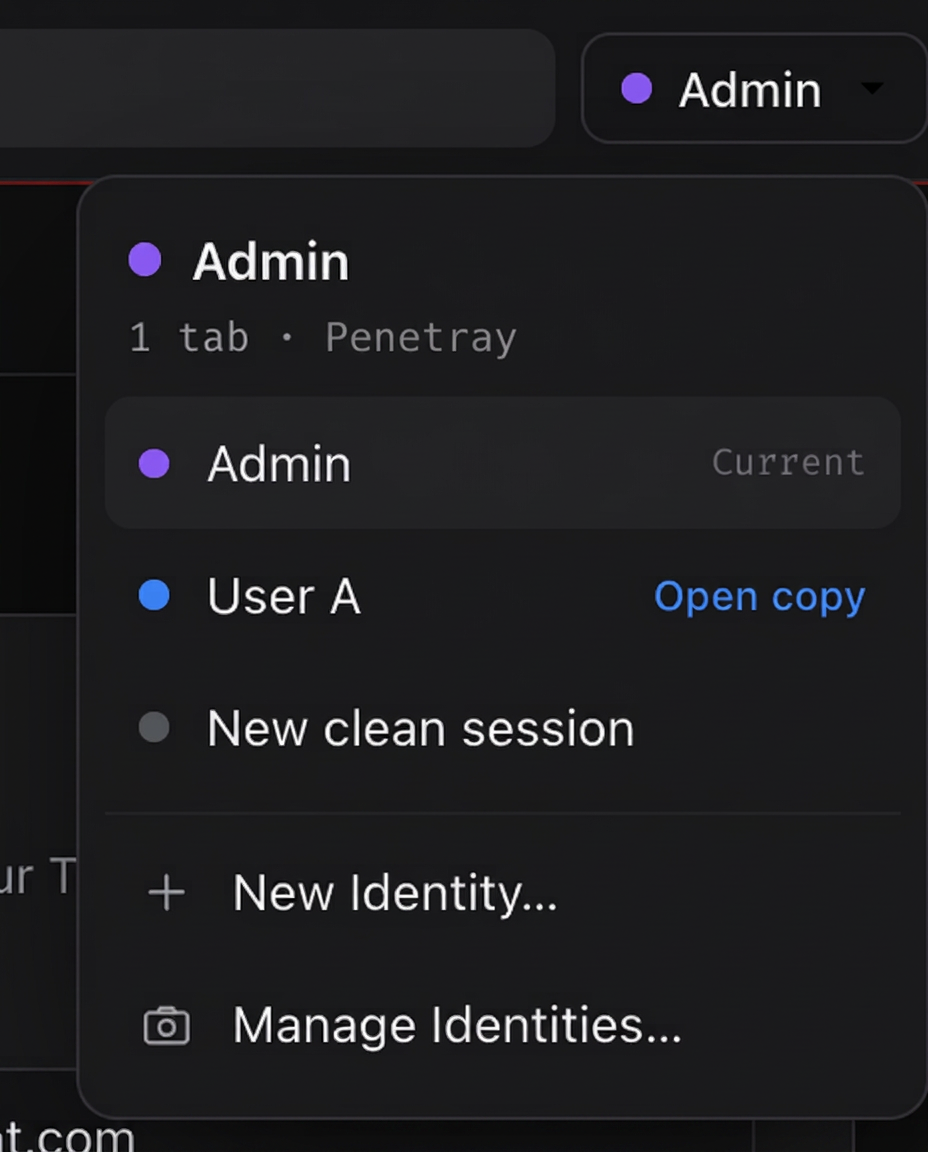
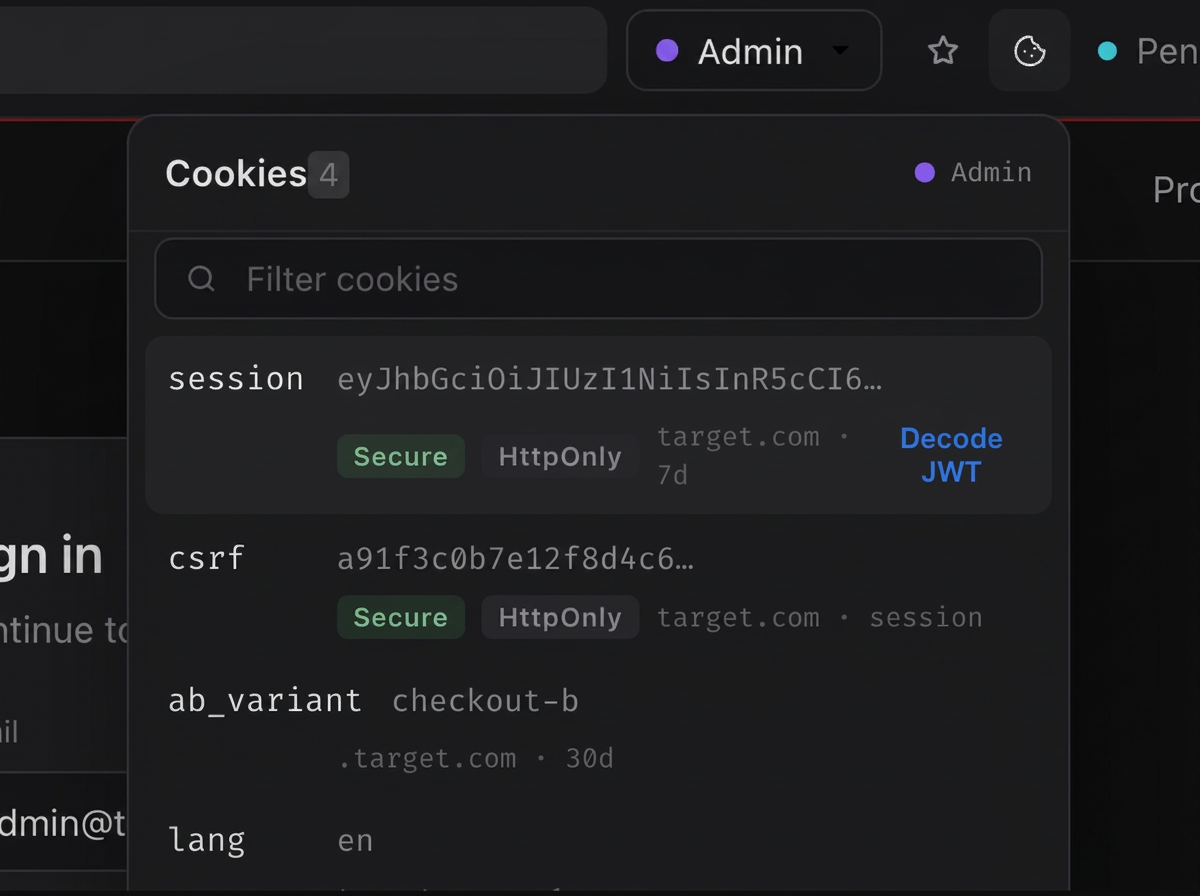
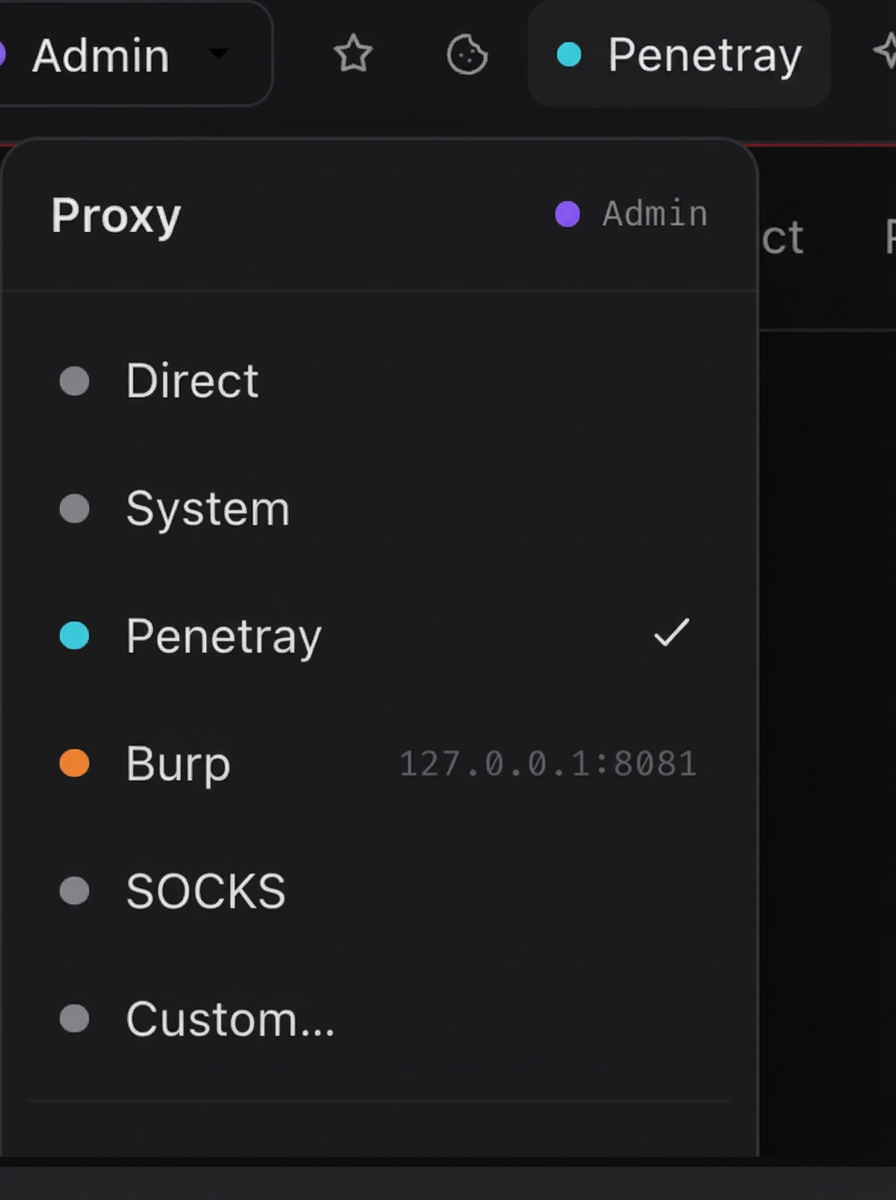
- Isolated identities
- Contexts that never leak into each other.
- Cookie & session management
- Inspect, edit, export, restore.
- Proxy integration
- Per-context routing, no global hacks.
- Certificates
- Install, pin and trust on your own terms.
- SecTools / DevTools
- Security-oriented tooling next to the page.
- Penetray integration
- Hand a session straight into your workflow.
- Request/session handoff
- Move a live request where the work happens.
YOUR BROWSER CAN WORK WITH YOU.
Driven AI agent lives inside Katana and works on your command. It reads the page, navigates, clicks, types and summarizes — using the AI account you choose, in the mode you run it in. Nothing is sent anywhere you did not point it.
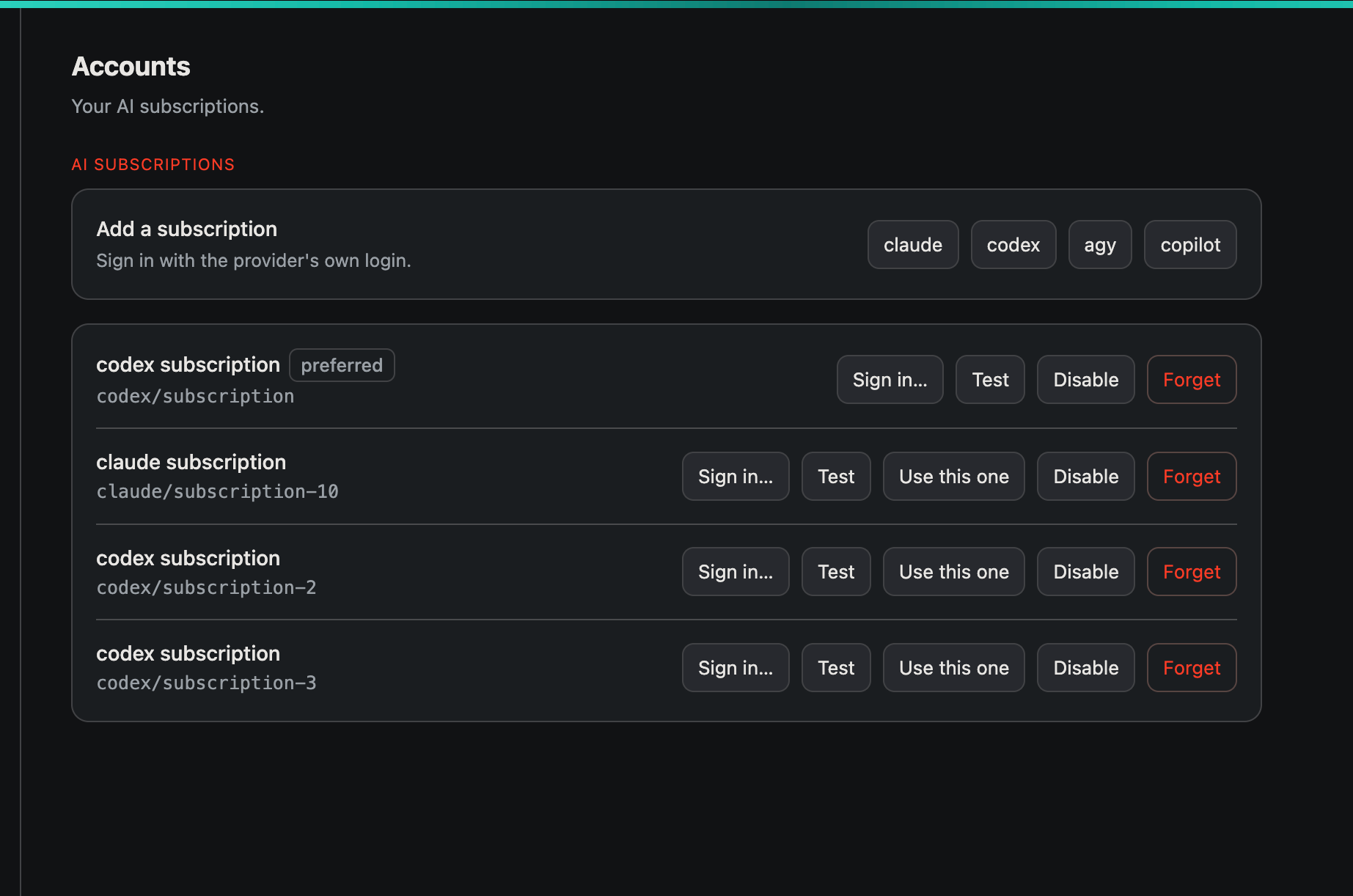
You bring your own subscriptions — Claude, Codex, Copilot or any OpenAI-compatible provider. Sign in once, then pick which account the agent uses for each task. Your sessions are never used for training.
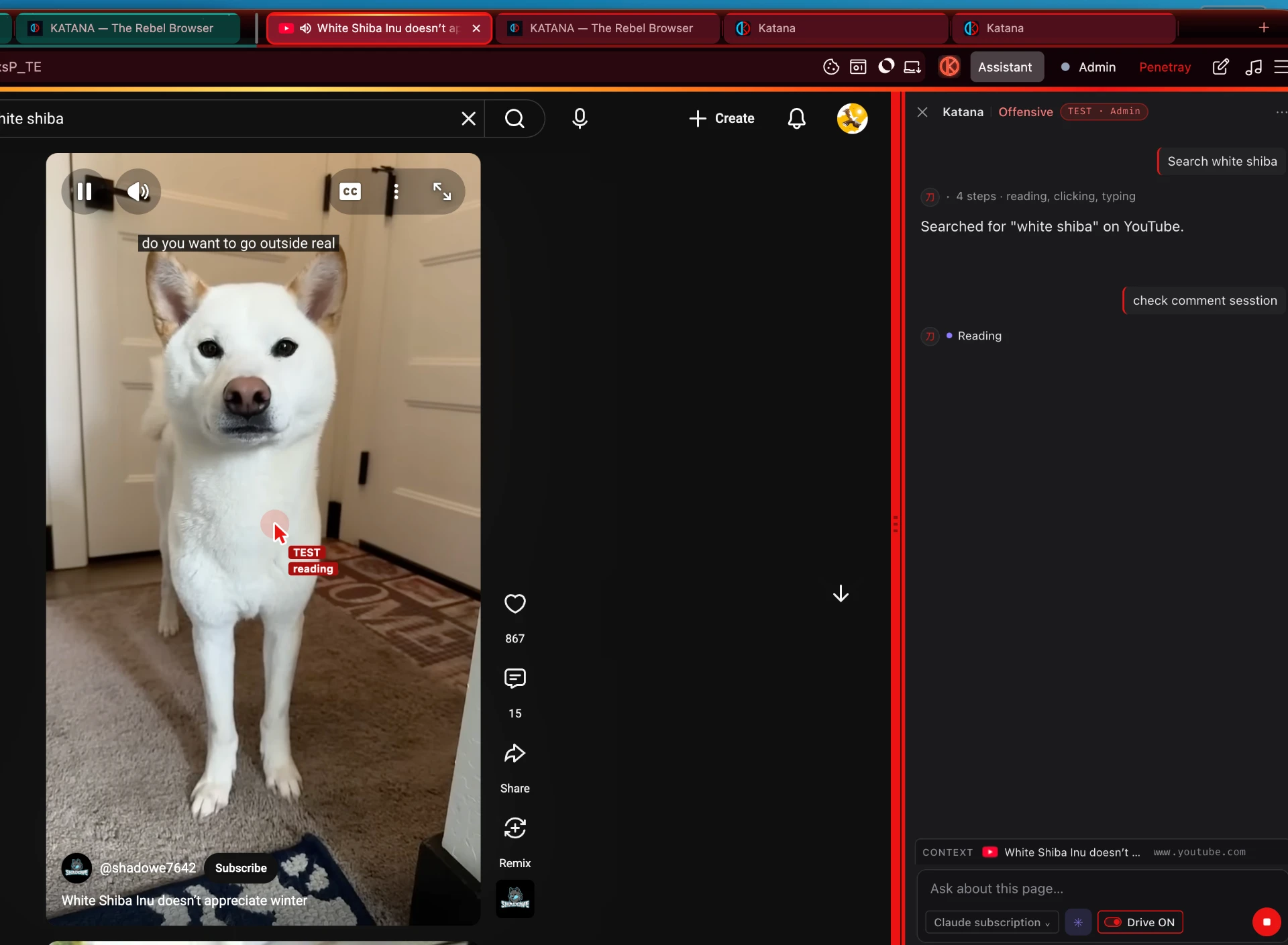
- ›Understand the current page
- ›Navigate and interact with websites
- ›Summarize content
- ›Extract information
- ›Work with YouTube transcripts
- ›Bring your own Claude, Codex, Copilot, or any AI subscription
ONE STORE PER SIDE.
Daily and Offensive keep their own password stores. Your personal accounts never mix with testing credentials, and neither side can see the other.
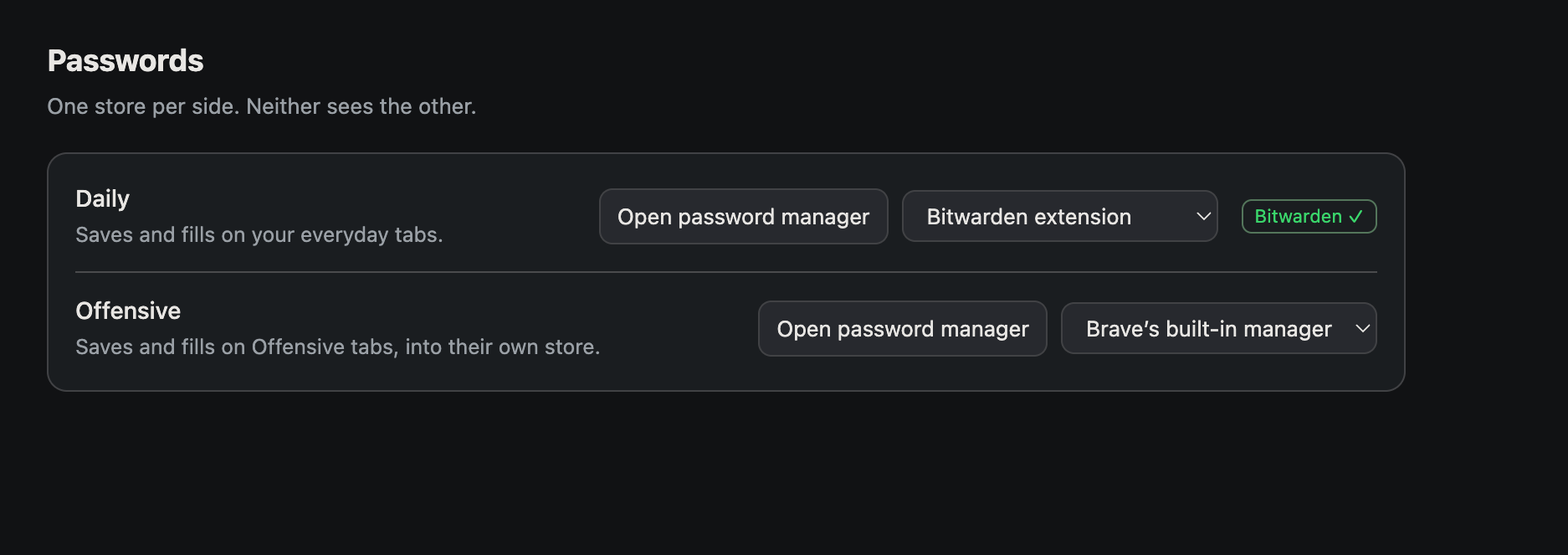
Saves and fills on your everyday tabs — your real accounts, your real manager.
A separate vault for testing and security work, isolated from your Daily identity.
NORMAL BY DEFAULT. POWERFUL WHEN NEEDED.
THE WEB DOESN'T NEED ANOTHER CORPORATE BROWSER.
IT NEEDS A KATANA.
Katana is in alpha. Email your request and we’ll get back to you.